
Watch and obtain the inputs
The published sample
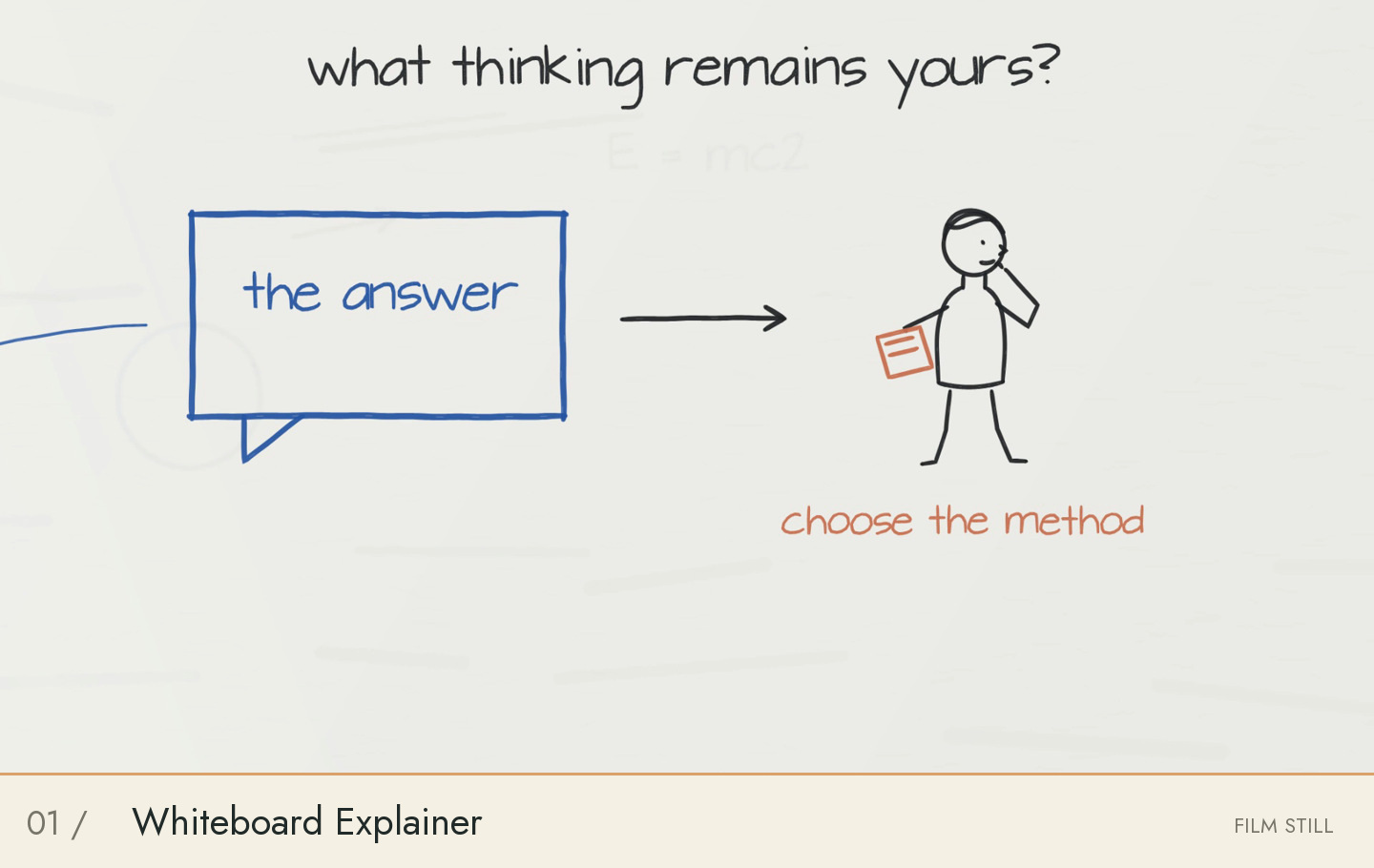
“Does AI Help You Learn?” uses the Whiteboard Explainer style: one persistent board, handwritten ideas, moving markers and line characters. This walkthrough covers the released three-minute English edition. It is written by the project maintainer, LeoGuoLabs.
The pinned v0.1.0 playback file measures 180 seconds, 1920 × 1080, 24 fps, H.264 video and stereo AAC audio at 48 kHz. Its size is 32,014,920 bytes. These are measurements of the public file, not a promised export setting for every style.
Inputs and environment
Use a complete checkout at the linked code revision plus the SHA-256-pinned whiteboard-short-inputs.tar.gz and MP4. The input archive contains 18 narration WAVs, the audio manifest, timeline.json, captions and media/asr/review.json. Source code, fonts and instrument samples live in the repository.
The documented environment is Apple Silicon macOS, Node 24, Python and FFmpeg 8. Install the locked npm dependencies and the studio requirements.txt in a virtual environment. Existing recorded speech is enough for a replay; new narration requires an available voice service or imported audio. No credential is bundled.
How the editable film is organized
content/narration.json holds the script; src/film.mjs holds the short-film composition. media/timeline.json aligns narration, captions and the picture clock. The long edition has its own content directory and src/long-film.mjs, so it must not be substituted for the short edition.
For a new subject, create an independent external project and rewrite both narration and scenes. Keep picture, voice, captions, camera and sound on one timeline. Changing captions alone does not create an adapted film.
From inputs to an output
Ask Codex to follow the repository’s whiteboard rebuild instructions. The commands below describe an isolated checkout, so generated media cannot overwrite a retained production. fetch_demo.py checks the Release size and SHA-256 before installing inputs.
The eight-second command is a picture preview. build.py then validates scenes, renders, mixes sound, exports metadata and runs delivery checks. --skip-atlases skips atlas generation; it does not mark visual or listening review complete.
git clone https://github.com/visiontrail/codex-film-studio.git whiteboard-replay
cd whiteboard-replay
git checkout a331a949c97f7350084e0f84630c80538cf81621
python3 scripts/fetch_demo.py --edition short
cd styles/whiteboard/studio
npm ci
python3 -m venv .venv
.venv/bin/pip install -r requirements.txt
node scripts/render.mjs --start 0 --end 8 --width 960 --out media/preview.mp4
.venv/bin/python scripts/build.py --skip-atlases
Evidence and limits
The registry at the linked revision records public-inputs-and-repository, an available scene renderer, and sample_rebuild: clip. That is an excerpt-rebuild claim, not a certified fresh full-film replay. The Release’s media/asr/review.json records speech recognition and alignment evidence; it does not establish visual quality or subjective listening.
This walkthrough verifies the public asset identity and playback-file metadata. It does not claim a new complete rebuild, byte-identical encoding, full-film visual review, listening review, measured production cost or render time. Renderer and encoder versions can change the output. Use the source and review links to assess the documented scope.