

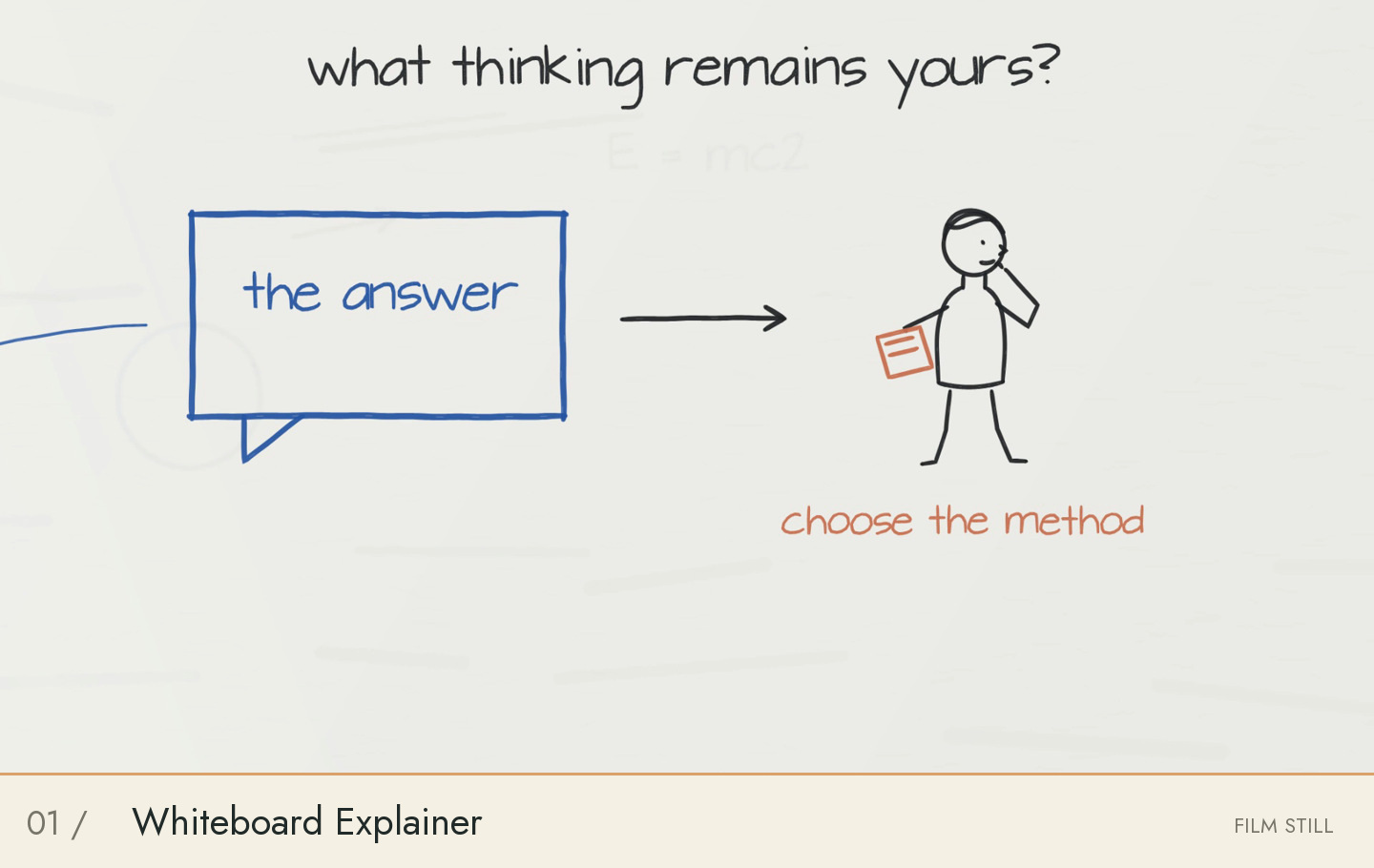
 01FILM FRAME
Whiteboard Explainer
One persistent board, handwritten ideas, moving markers and story-driven line characters.
- Scene renderer
- Included; author your story scenes
- Sample source
- Public inputs + repository
- Recorded rebuild
- Excerpt only
A COLLECTION OF VISUAL POSSIBILITIES
A little ink. A cut of paper. A whole new world.
Find a visual language, then make it your own.
An open-source library of video styles and production workflows for OpenAI Codex. Style guides, editable projects, rendering tools and audiovisual QA; capabilities vary by style.
DRAWN WITH INTENTION. DIRECTED WITH CODEX.
THE COLLECTION
01FILM FRAMEOne persistent board, handwritten ideas, moving markers and story-driven line characters.
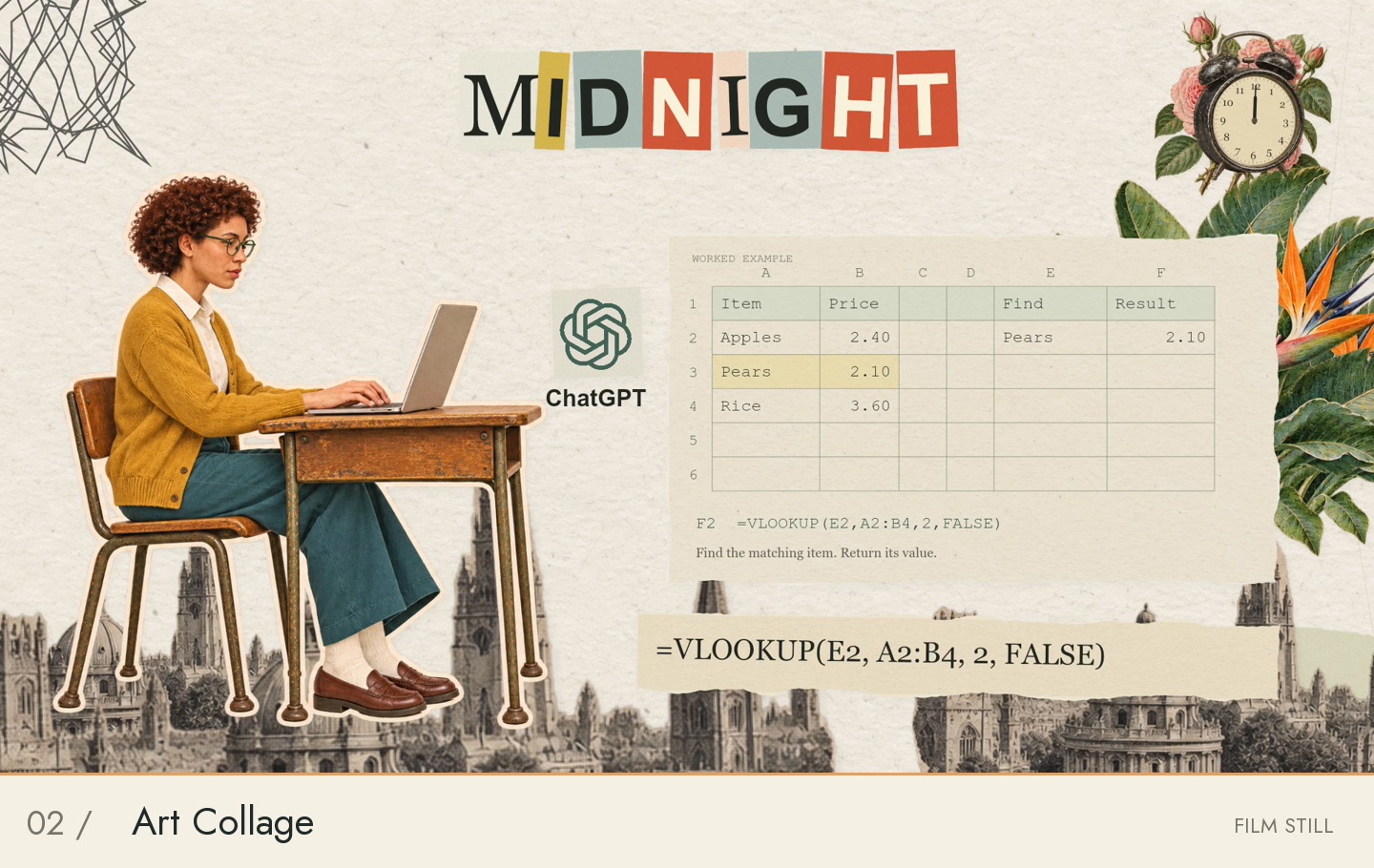 02FILM FRAME
Paper cutouts, layered typography and physical collage motion.
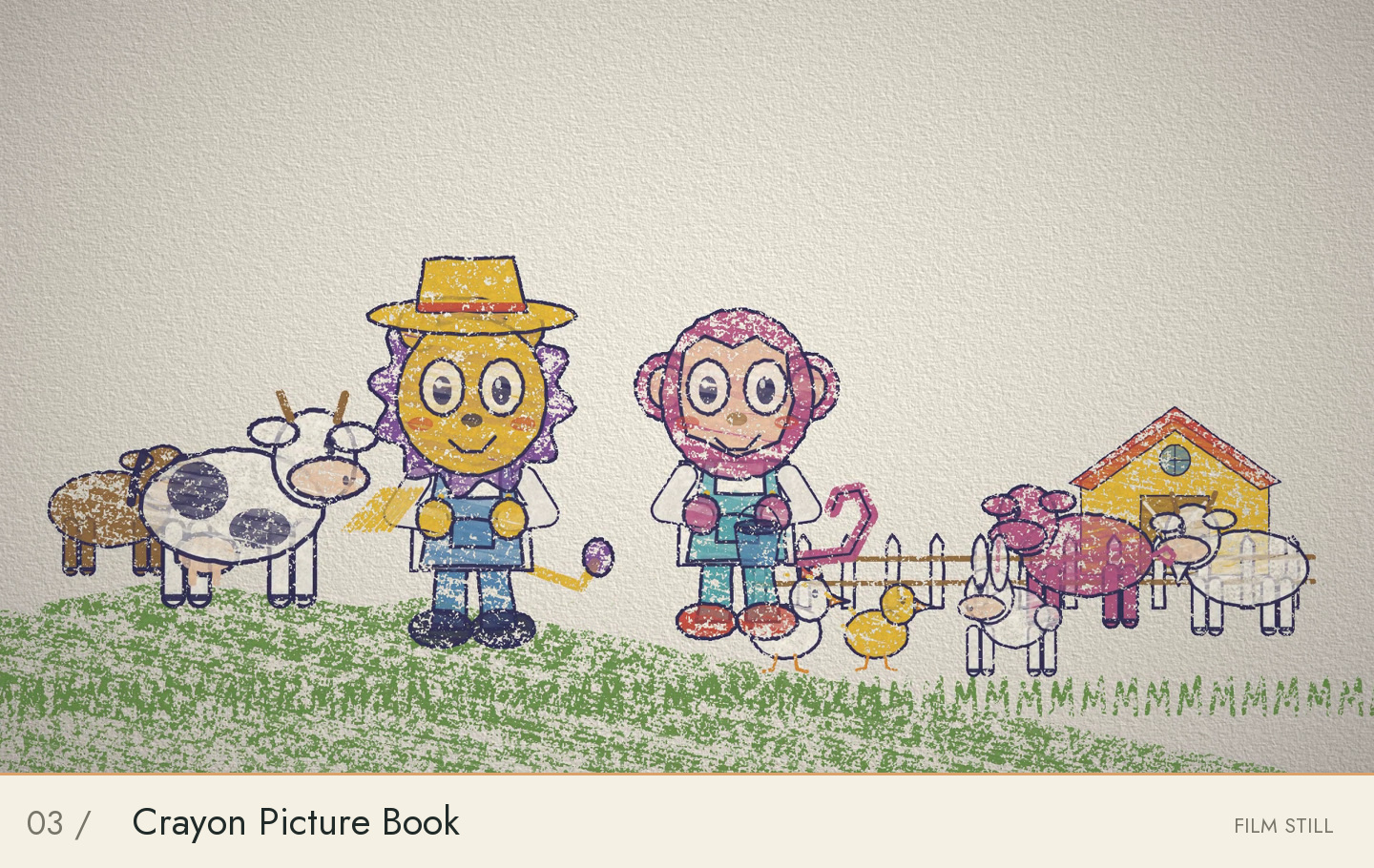 03FILM FRAME
Wax pigment, textured paper, hand-drawn reveals and physical book motion.
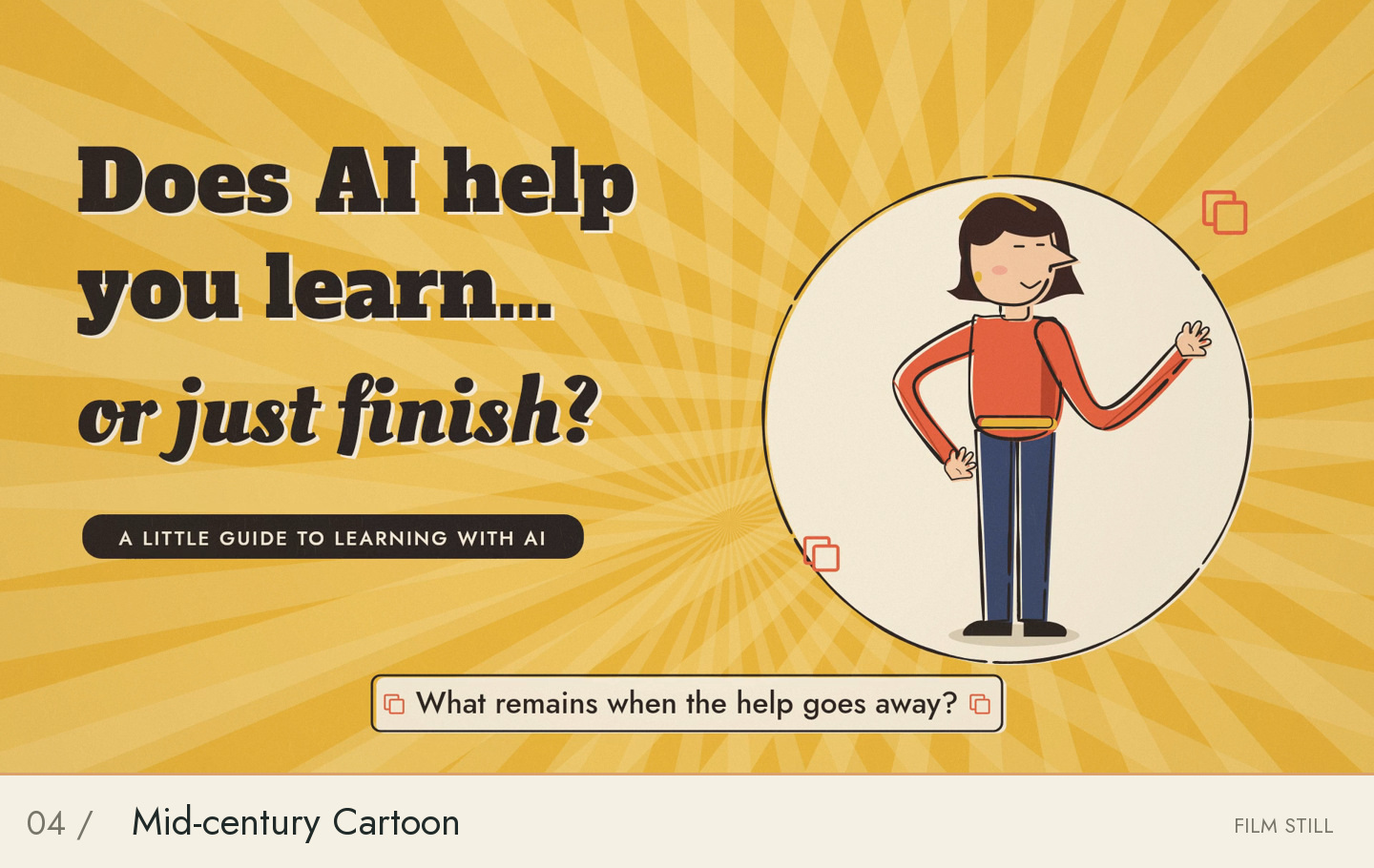 04FILM FRAME
Misregistered flat colour, broken ink, held poses and jazz.
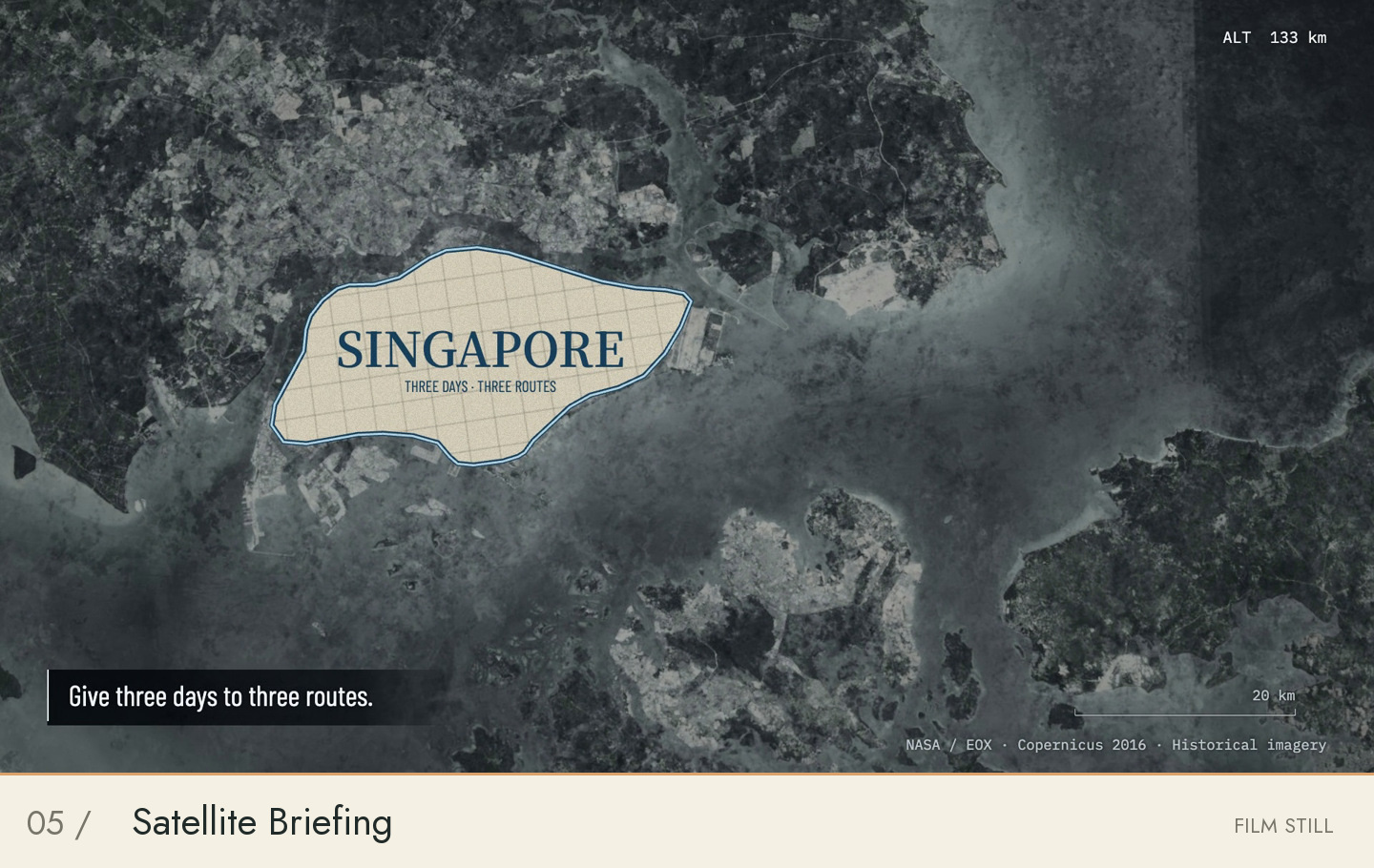 05FILM FRAME
Geographic camera, satellite imagery and measured annotations.
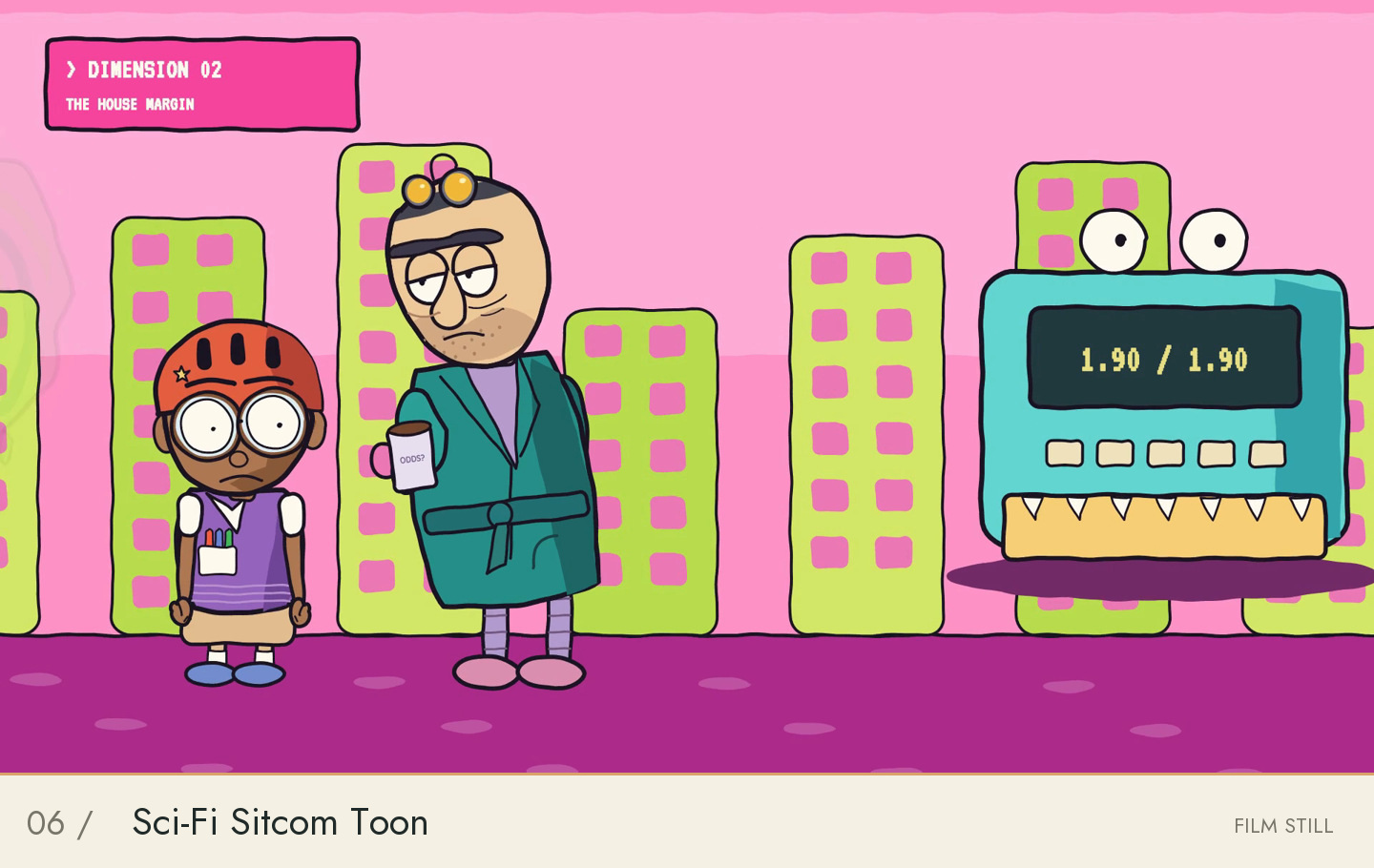 06FILM FRAME
Flat cartoon drawing, contrasting performances and spatial comedy.
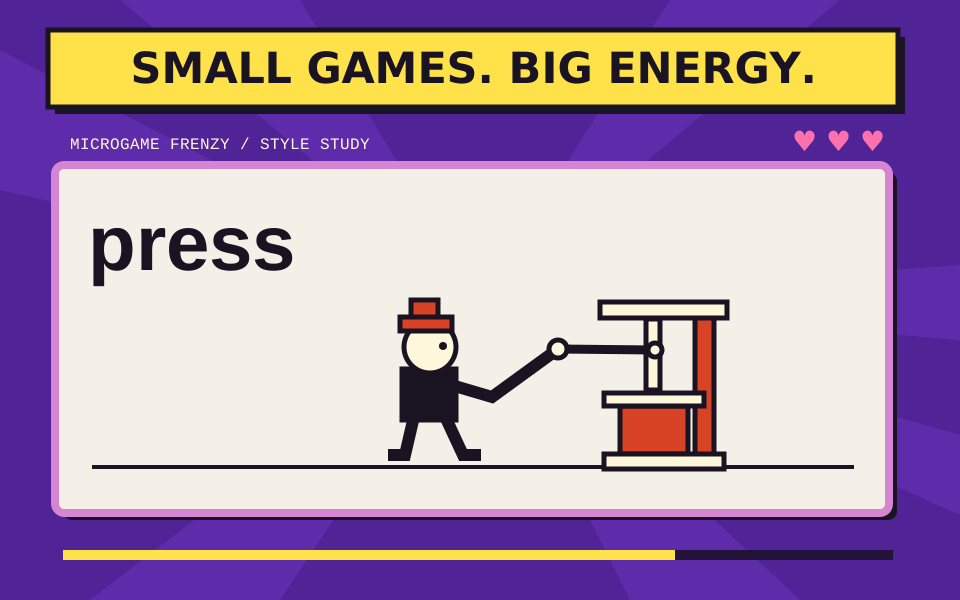 07STYLE STUDY
Rapid command-action-result games with changing materials, lives and accelerating rhythm.
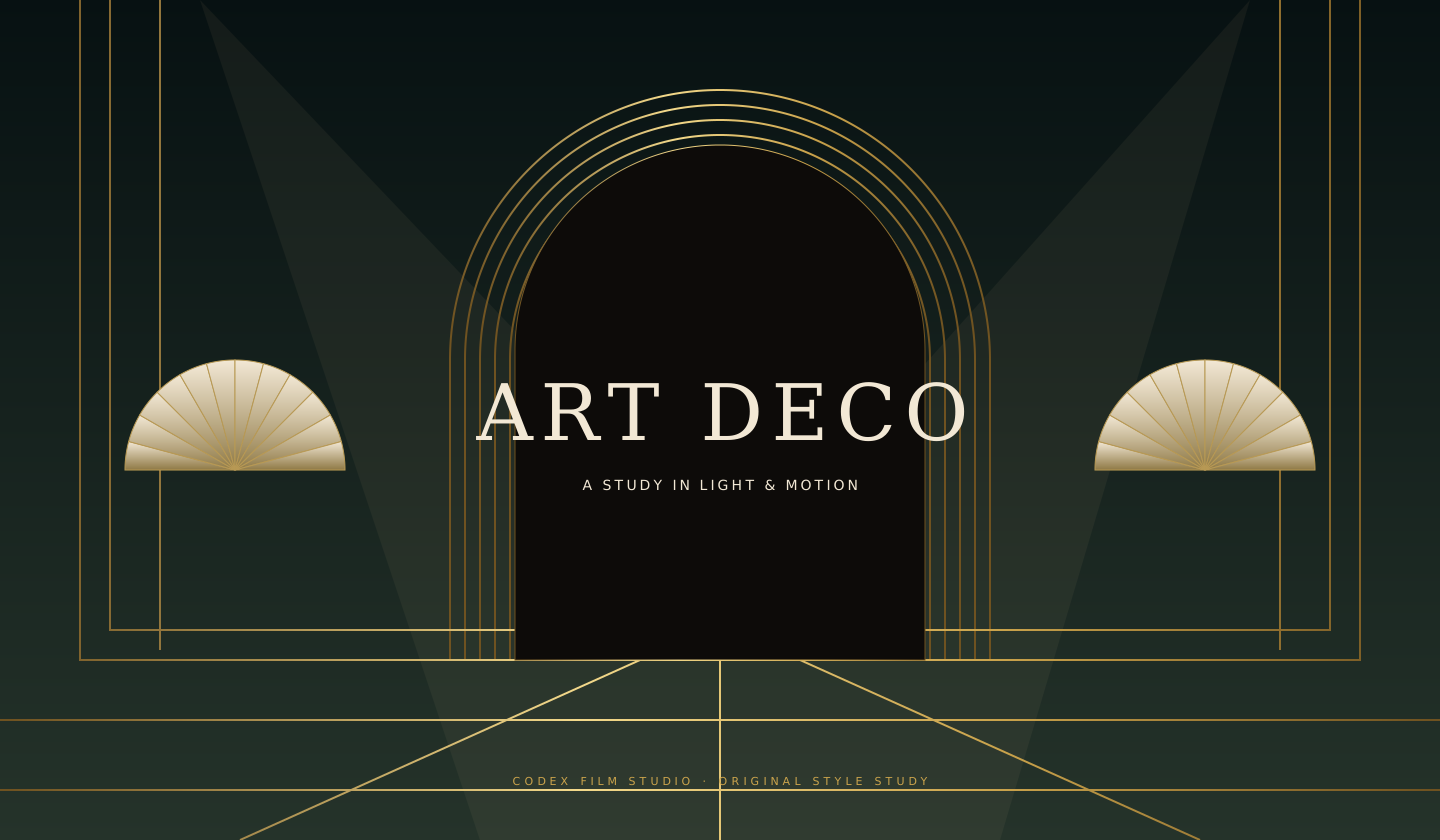 08STYLE STUDY
Black lacquer, graded brass, faceted figures and spatial mechanical motion.
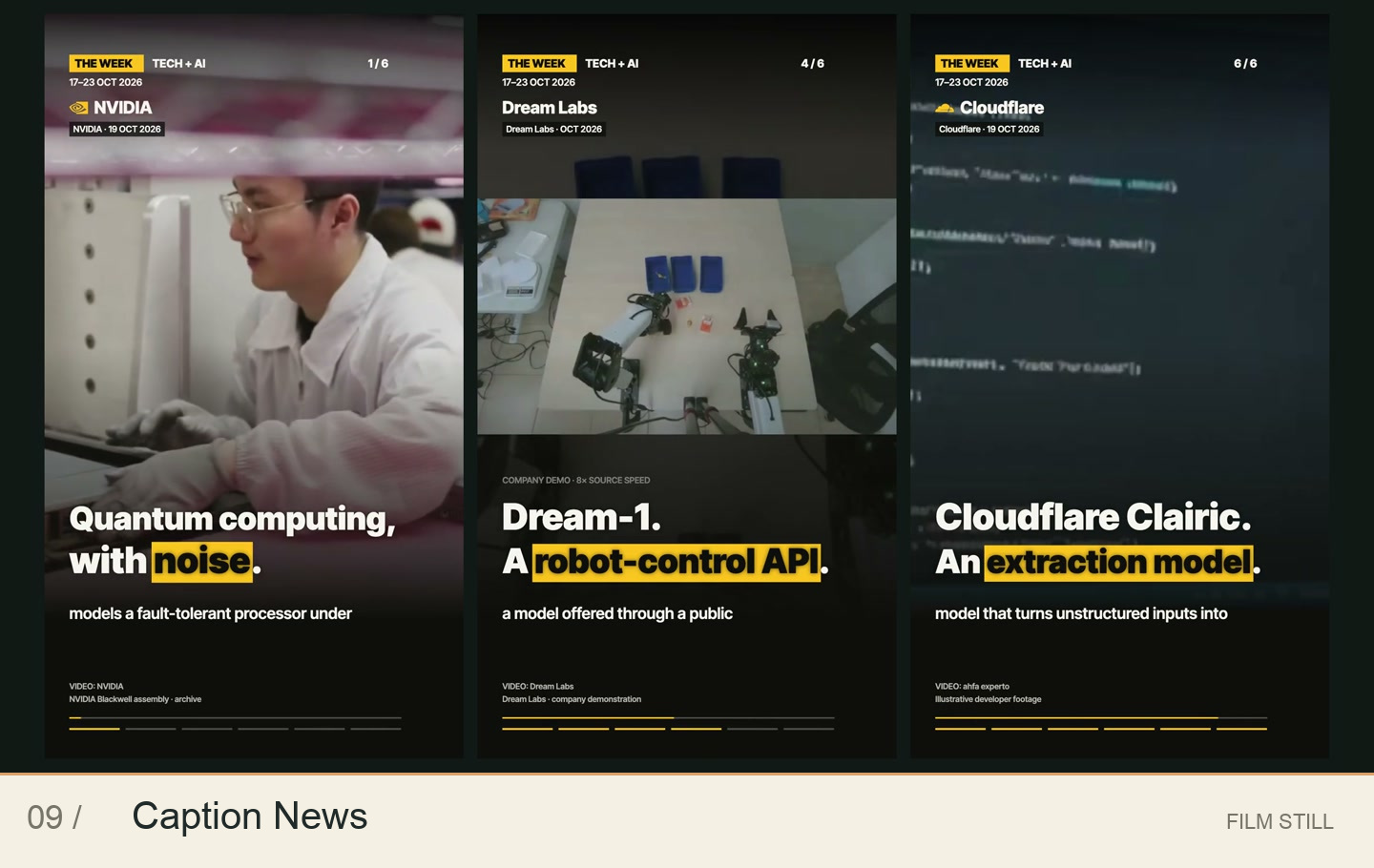 09FILM FRAME
Large editorial captions, yellow emphasis, ledger graphics and kinetic entrances.
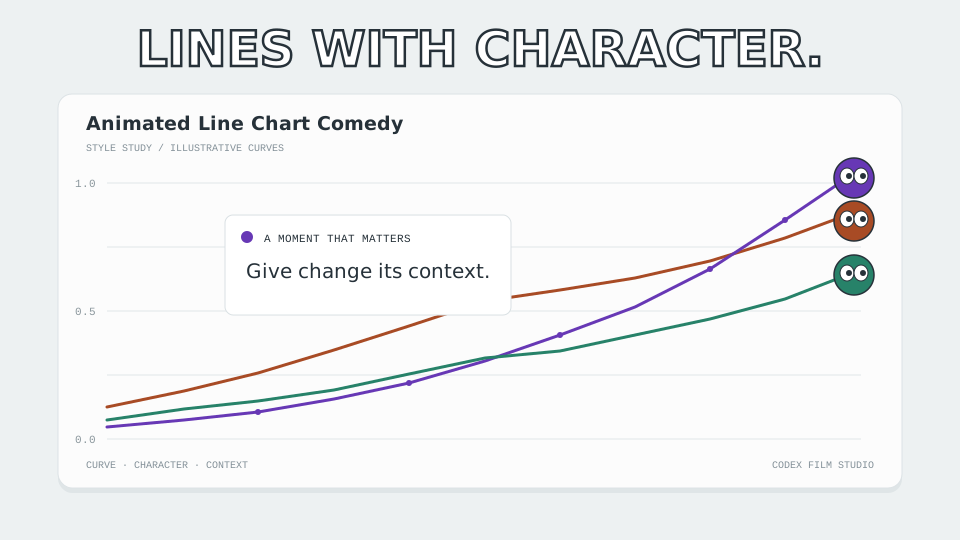 10STYLE STUDY
A quiet chart interface with growing lines, expressive endpoint tokens, event cards and comic motion accents.
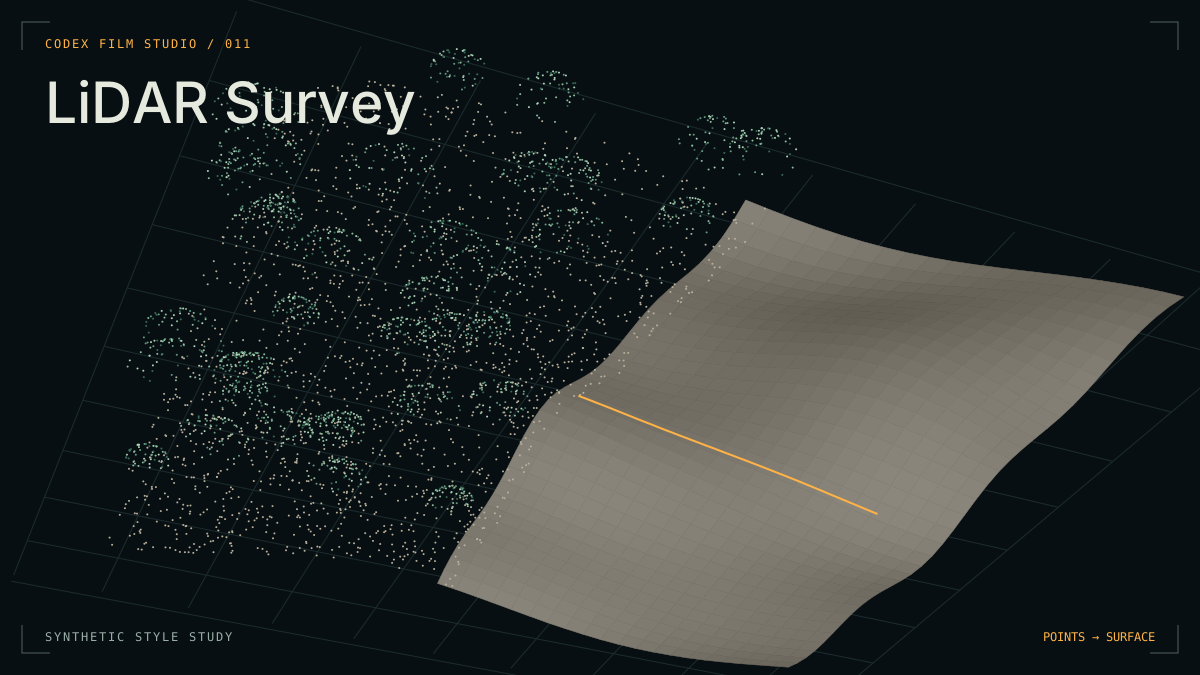 11STYLE STUDY
Measured point clouds, canopy peeling, raking-lit terrain and fine sections, carried by one continuous camera move.
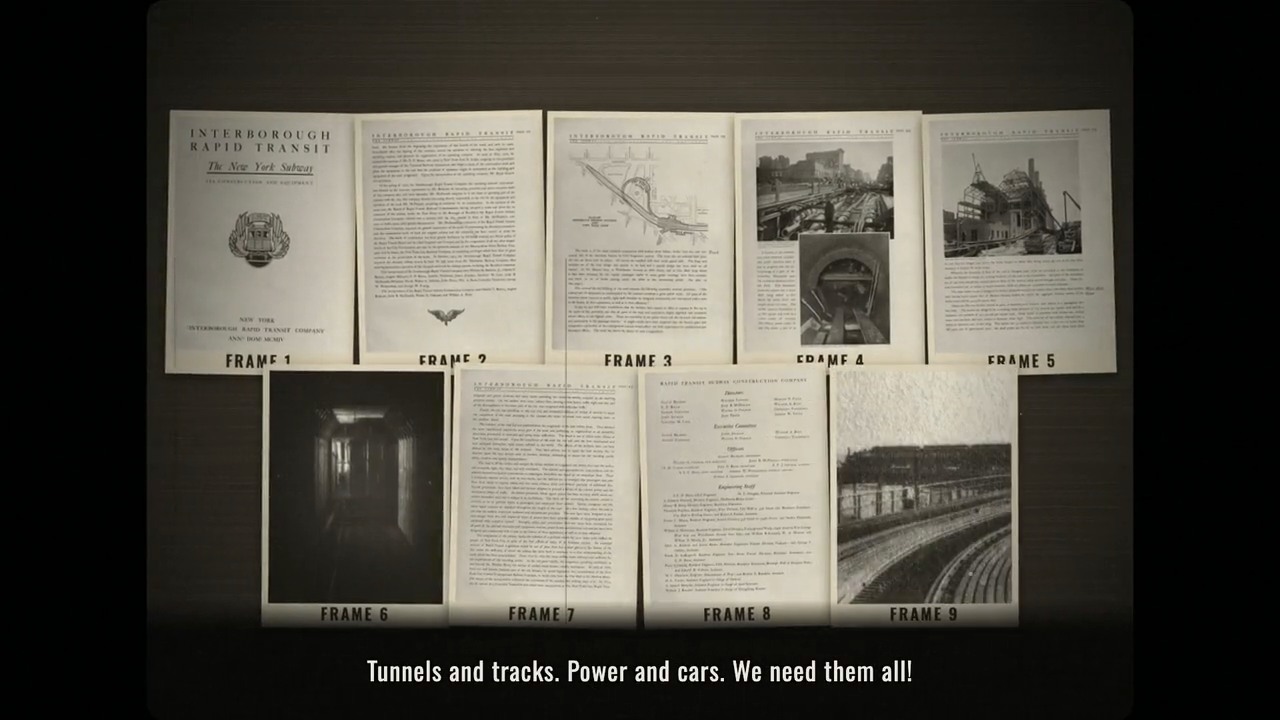 12FILM FRAME
Archival pictures, spinning headlines, nine-card montages and a voice from the projection booth.
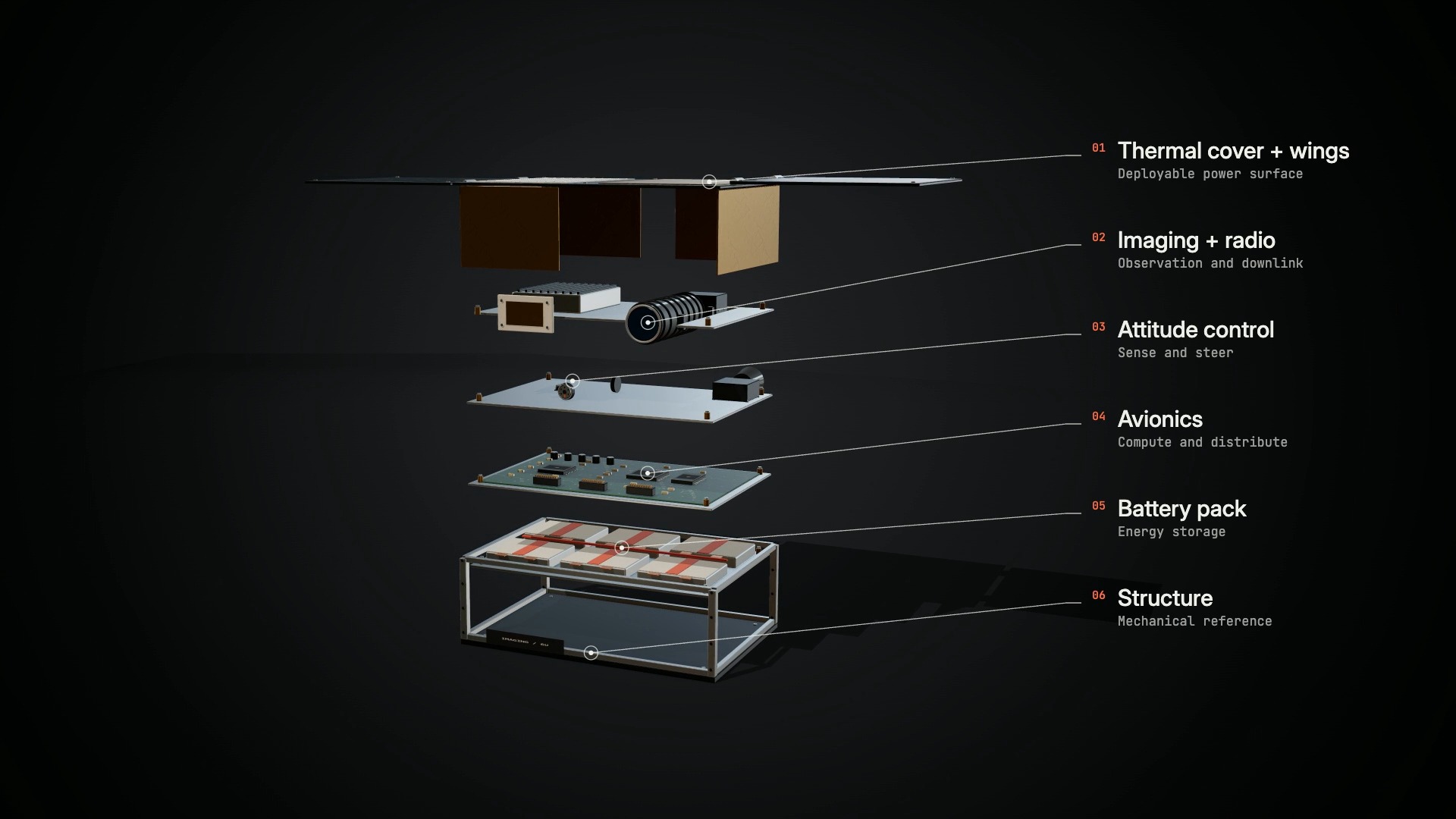 13FILM FRAME
Dark-studio objects, staggered layer separation, material close-ups and precise engineering annotations.
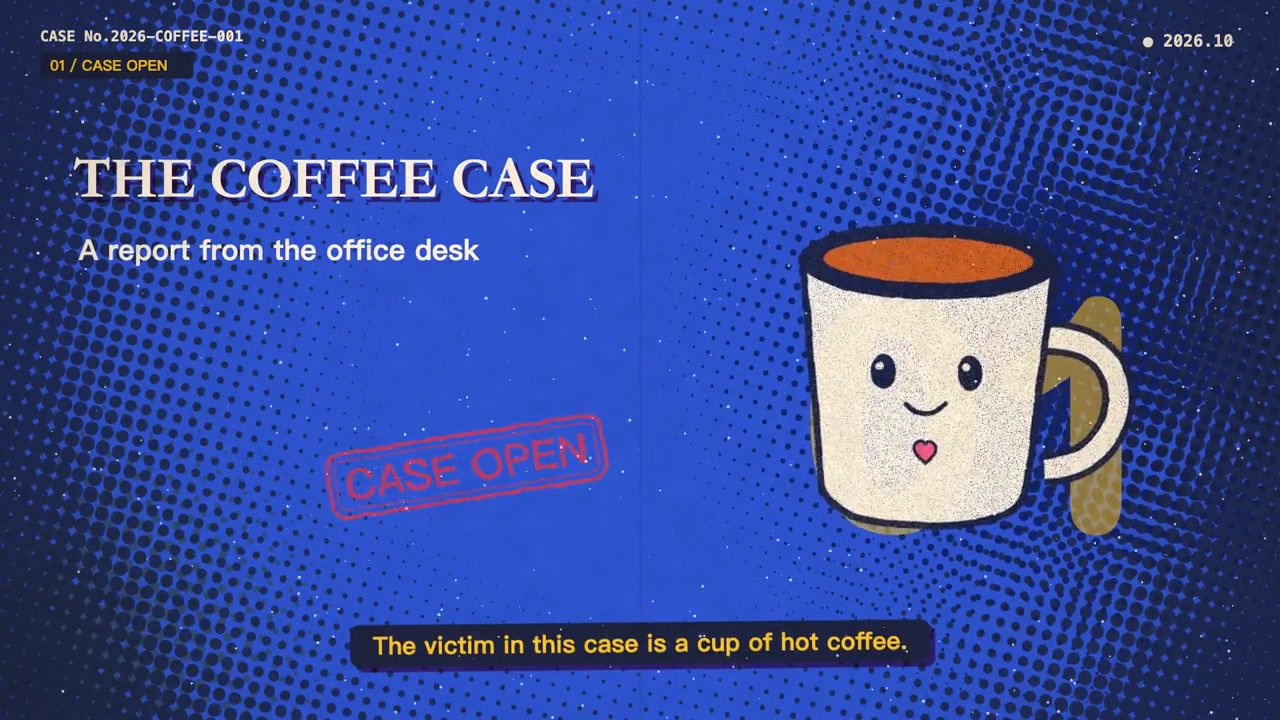 14FILM FRAME
Warm archive paper, spot-ink dots, offset headlines and physical stamps turn a story into a trail of exhibits.
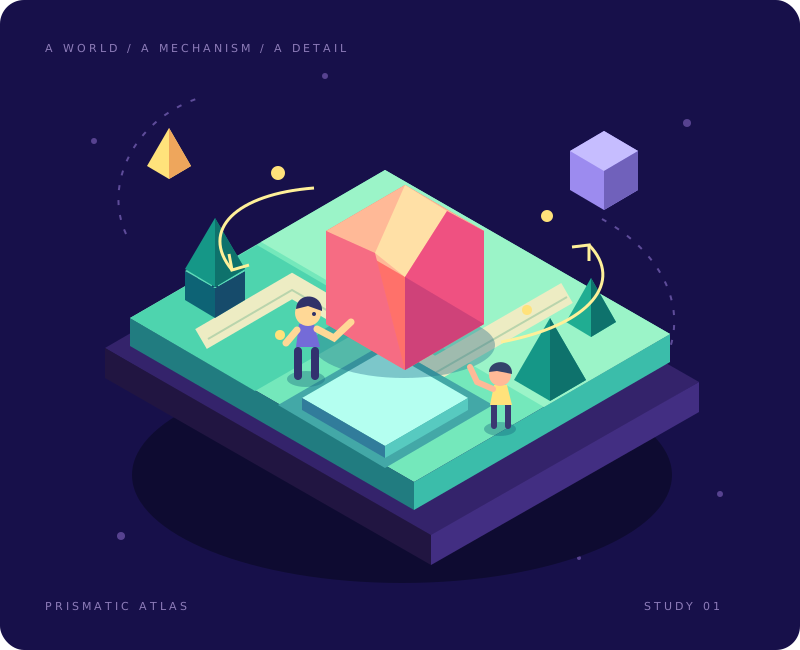 15STYLE STUDY
Saturated vector worlds, inhabited isometric scenes and clear mechanisms connected by purposeful changes of scale.
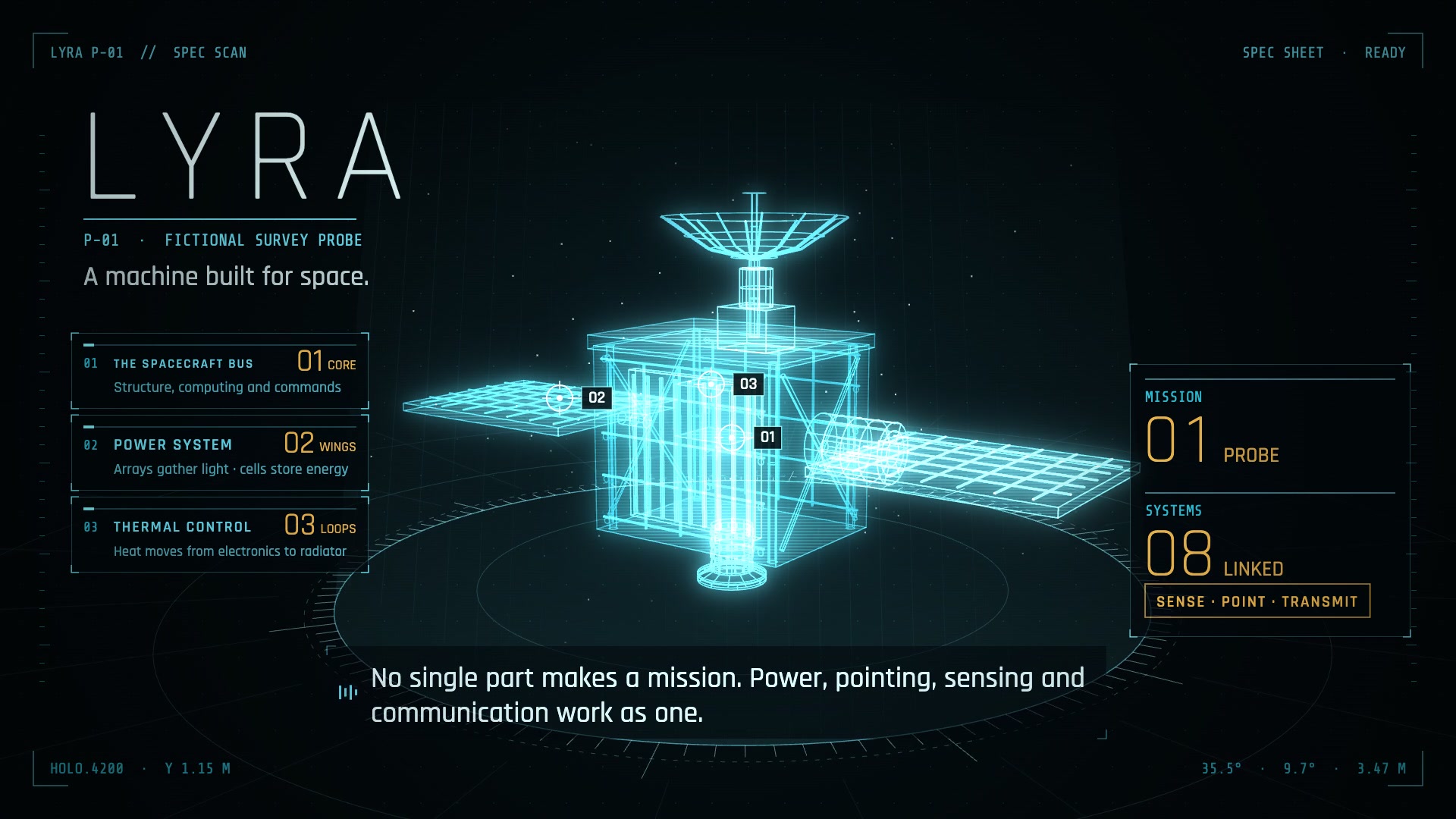 16FILM FRAME
Luminous wireframes, scanning planes, target locks and local exploded views reveal how an object works.
 17STYLE STUDY
Layered illustrated worlds, crisp animated subjects and luminous mechanisms, with role-based every-frame diagnostics.
 18STYLE STUDY
Expressive vector characters, saturated colour worlds and scale-changing science explanations.
1 Complete demo kit · 2 Authoring starter · 3 Material toolkit · 12 Executable production kit
Readiness describes reusable tools. New subjects still need authored scenes. Public films, local source bundles and full rebuild verification are separate. Compare source access and rebuild scope →
A style is a starting point. Each includes its own visual rules and tools; sample films and package readiness are listed separately.
Compare capabilities ↗YOUR TURN IN THE DIRECTOR’S CHAIR
Pick a style and tell your Agent what you want to make. It handles setup, production and review; you guide the story.
Read the getting-started guideOpen this repository in your coding Agent and describe your film. / 在 Agent 中打开仓库,描述你想制作的影片。
Use the midcentury-cartoon style to make a film about [subject]. Handle project setup, production and review, then deliver the MP4 and editable project. / 请用 midcentury-cartoon 风格制作关于[主题]的视频,自动完成项目创建、制作与检查,交付 MP4 和可编辑工程。
CODEX FILM STUDIO / FIELD GUIDE
Choose a style, author the scenes and review the delivery against the actual scope of the package and sample.
Open the complete repository in Codex and describe the subject, audience, style, language and duration. The Agent follows the project workflow to create an external project, prepare dependencies, produce and review it. Delivery includes an MP4, editable project and actual review coverage. Start a film →
Use Whiteboard Explainer for step-by-step arguments, Art Collage or Crayon Picture Book for material-led stories, Satellite Briefing for spatial relationships, or Animated Line Chart Comedy for changing data. Compare the scene needs, capabilities and samples. Explore styles →
13 of the current 18 styles are marked as including scene renderers. New subjects still need authored scenes, inputs and review. Authoring starters and material toolkits have separately documented capabilities. Compare capabilities →
You need its composition, assets, accepted recordings and timing. Whiteboard has public inputs plus repository code. Local source bundles are not public downloads, and a playable MP4 is not an editable source package. Whiteboard sample walkthrough →
Use the full checkout, including root scripts, styles and shared methods; copying the Skill directory alone is insufficient. Dependencies vary by style. Whiteboard uses Node, Python and FFmpeg. New subjects need a script, usable assets, recordings or access to a voice service. Dependencies and public inputs →
clip covers an excerpt; full covers the complete rebuild identified in its record. Technical checks, visual review, playback and listening are reported separately. Not revalidated is not a pass, and each new film needs its own acceptance. Reproduction and verification →
The documented entry point is a complete checkout with the repo-local codex-film Skill. Standalone installation and end-to-end validation for other Agents are not provided. Copying the Skill subdirectory does not install the whole studio. Repo-local Skill →
LeoGuoLabs · Documentation updated · Source & revision history ↗